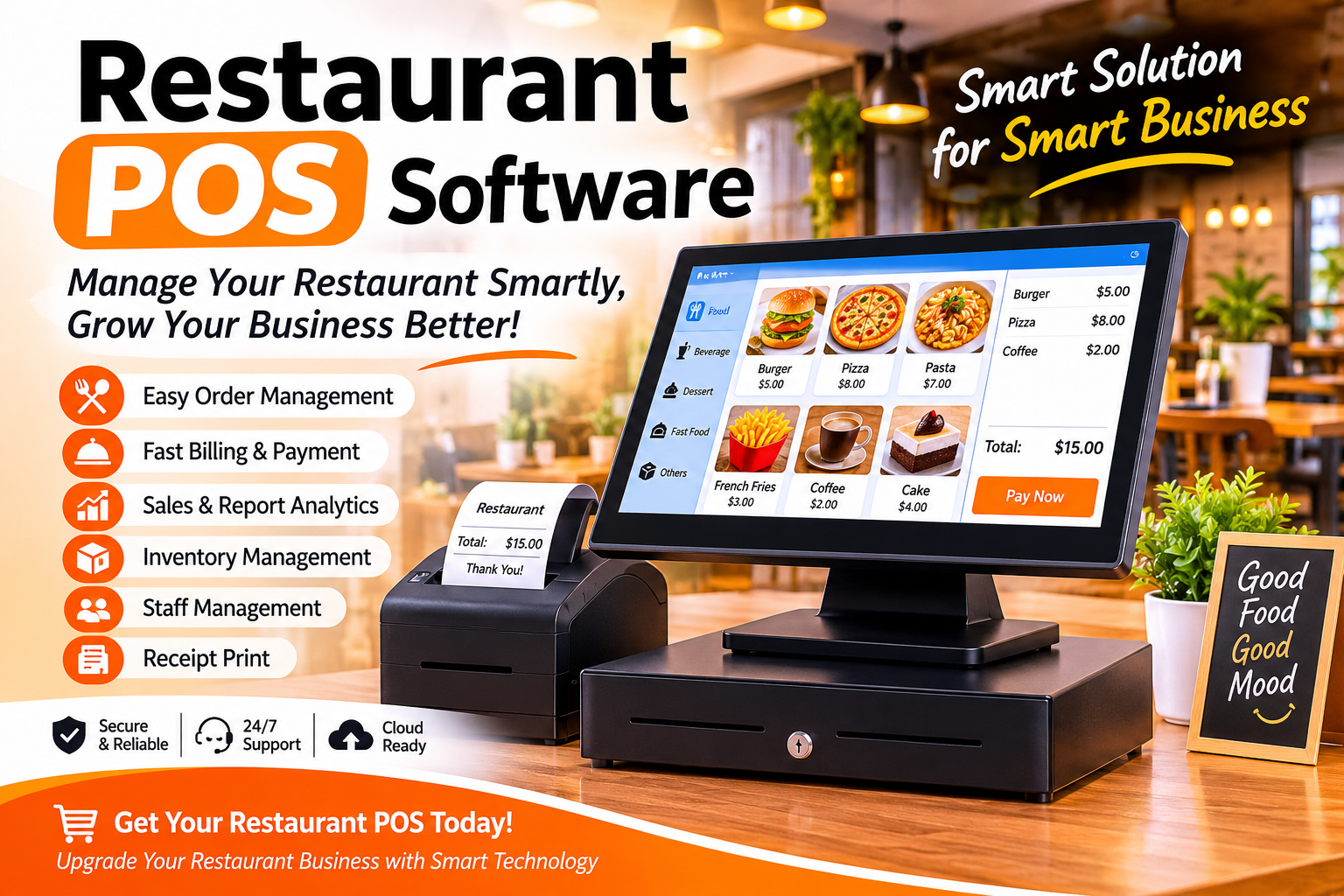
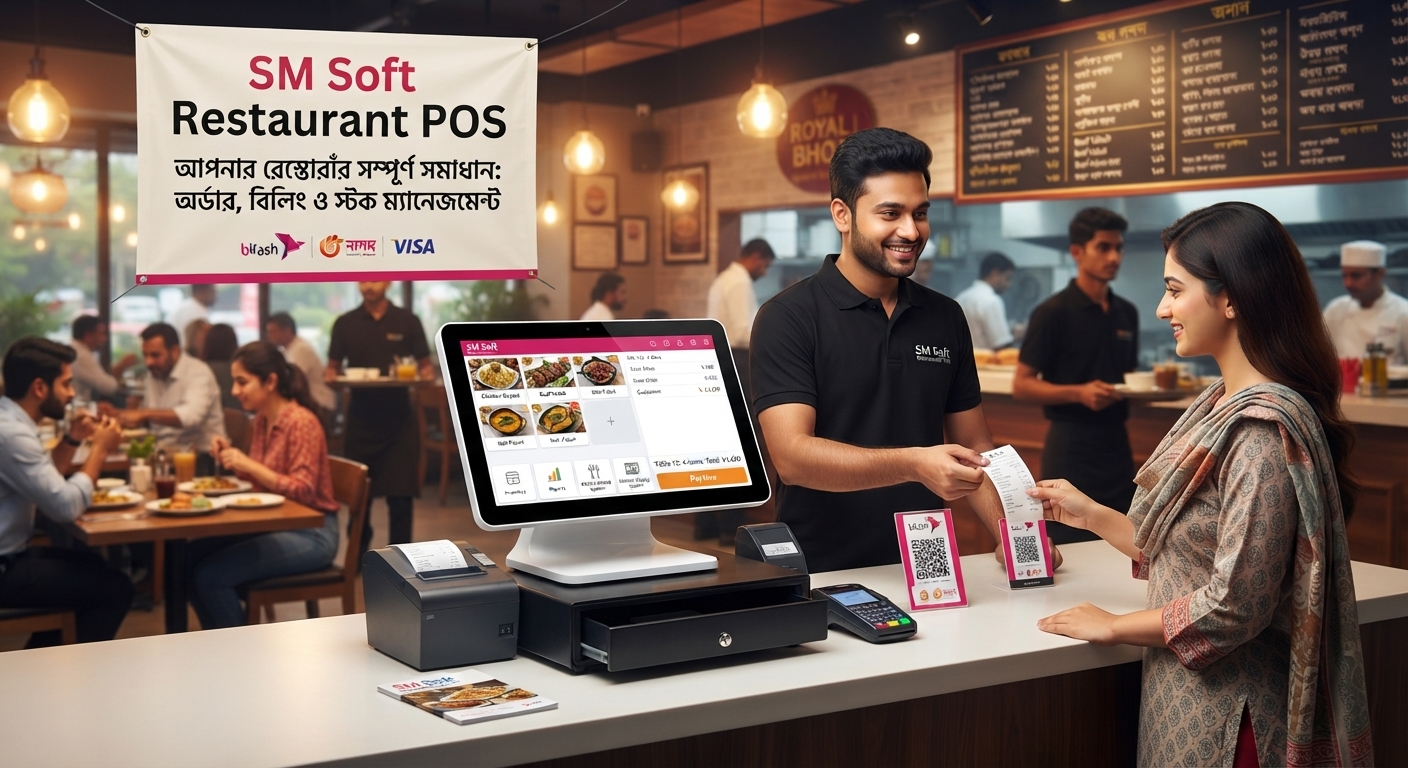
Restaurant POS

Restaurant POS

Categories:

Product Description

Designed for Modern Food Businesses

  • Restaurants, cafés, coffee shops, and bakeries
  • Fast-food outlets, food courts, and casual dining venues
  • Cloud kitchens, delivery kitchens, and virtual brands
  • Single-location businesses and multi-branch restaurant groups

Why Choose Forkiva?

  • One connected workspace: manage sales, orders, tables, inventory, customers, staff access, and reports without switching systems.
  • Built for real restaurant workflows: support dine-in, takeaway, pickup, drive-thru, pre-orders, catering, and table ordering.
  • Ready to scale: control multiple branches, currencies, time zones, menus, payment methods, and branch-specific settings.
  • Better operational visibility: follow sales, payments, stock, food cost, cash movements, taxes, and customer activity from clear dashboards and detailed reports.
  • Flexible and extensible: activate optional official add-ons when your business needs advanced HR, delivery, or accounting capabilities.

Complete Feature Overview

Fast, Flexible Point of Sale

  • Responsive POS interface optimized for busy restaurant service
  • Dine-in, takeaway, pickup, drive-thru, pre-order, and catering workflows
  • Product search, category browsing, product options, and cart management
  • Multiple and partial payments with configurable payment methods
  • Quick-pay buttons, numeric keypad, calculator, and customer assignment
  • Order editing, discounts, vouchers, taxes, fees, notes, and waiter assignment
  • POS sessions with cash-in, cash-out, and closing-difference controls

Tables, Reservations & Guest Ordering

  • Interactive floor plans organized by floor, zone, and table
  • Live table status, capacity, shape, assignment, merge, split, and transfer
  • Reservation management with deposit tracking
  • QR-code table ordering for a convenient guest experience
  • Public online menus for product browsing, with QR table ordering

Kitchen & Order Fulfilment

  • Dedicated Kitchen Viewer for incoming, preparing, and ready orders
  • Sound alerts and visual attention indicators for order updates
  • Configurable automatic refresh for kitchen operations
  • Upcoming-order visibility for scheduled and catering orders

Menu, Products & Recipes

  • Multiple menus for different branches, service periods, or occasions
  • Nested, sortable, and translatable categories
  • Products with SKU, pricing, media, translations, taxes, and availability
  • Custom product options with configurable ingredient impact
  • Recipe builder with quantities, units, cost data, and loss percentages

Inventory, Purchasing & Stock Control

  • Ingredient-level stock tracking with automatic recipe consumption
  • Units, costs, stock thresholds, and low-stock alerts
  • Stock in, stock out, spoilage, adjustment, and correction workflows
  • Inventory counts, reconciliation, and stock transfers between branches
  • Branch-based suppliers and purchase order management
  • Expected-versus-received purchasing visibility

Customers, Promotions & Retention

  • Customer profiles with order and purchase history
  • Discounts, vouchers, and configurable promotional campaigns
  • Loyalty programs with points, tiers, rewards, gifts, and redemptions
  • Gift cards with balances, financial actions, and transaction reversals
  • Detailed loyalty analytics to understand engagement and program value

Payments, Taxes, Invoicing & Printing

  • Flexible payment methods, split payments, and payment reporting
  • Inclusive, exclusive, and compound taxes
  • Global, branch-specific, and order-type-specific tax and fee rules
  • Tax invoices for completed orders and credit notes for refunds
  • Browser printing and direct local printing through Qintrix Printer Agent
  • Multiple printers, register assignments, and 58mm/80mm thermal layouts

Multi-Branch Operations

  • Manage multiple branches from a unified administration panel
  • Branch-specific currency, time zone, payment, menu, and POS configuration
  • Branch-aware access control and operational data
  • Multi-currency support with live exchange-rate integration

Reports, Analytics & Data Export

  • Sales, revenue, average order value, and top-product insights
  • Payment, tax, cash-movement, ingredient, cost, and revenue reports
  • Inventory alerts and stock-movement visibility
  • Comprehensive loyalty and customer-performance analytics
  • Export tools with supported filters and export-history tracking

Notifications & Communication

  • Email, in-app, push, and SMS notification channels
  • Customizable notification templates and settings
  • Operational alerts for important restaurant activities

Users, Security & Administration

  • Role-based access with fine-grained permissions across modules
  • Multiple account login support and secure authentication
  • Detailed activity logs for accountability and auditing
  • Database backup and restore tools
  • Built-in media manager for images, documents, audio, and video

Localization & Customization

  • Multi-language interface with full RTL support
  • Translation import, export, and centralized translation management
  • Light and dark modes with configurable appearance settings
  • Custom application branding and logo management
  • Progressive Web App (PWA) support for a more app-like experience

Reviews

There are no reviews yet.

Be the first to review “Restaurant POS”

Your email address will not be published. Required fields are marked *